


Everything new at iveo
Updates, blog and roadmap in one place. See everything together or filter for what interests you.
Crew page: dedicated views for vision mixing and direction
Alongside audio, vision mixing and direction now have their own view on the crew page, with stepping through sessions.
 ·
The lower third now shows the programme title too
Direction shows the running programme's title as a lower third, and when nobody is speaking it appears by itself.
·Recordings start where the programme begins
Per programme item you set from which minute the recording plays on the event website, without the lead-in and without publishing again.
·All programme photos in one place, straight into a post
The new "Images" tab in Social media collects every photo from an event's programmes and turns them into a story, quote or feed post.
·The "Venue map" block shows guests where to find you
A new website block shows your venue map with areas, several plans and a "Find us" button.
·The crew page shows the technical crew what happens on stage
In produce mode, the audio crew sees seats, channels, Zoom guests and every change since they last looked, per stage.
·The event website shows what is running during the event
A live mode for the programme page and two new blocks show visitors what is running now and what comes next.
·Two new screen graphics: programme title and LED wall
Per stage, the programme title shows in the stream what is running, and the LED wall feeds the wall on stage.
·Visitors can sign up for individual programme items
On the event website, visitors sign up for a programme item and get a calendar invitation by email straight away.
·The event website switches with go-live
When a stage goes live, the home page header shows the livestream with Slido or the programme item's details.
·Set the order of sections on programme pages
Per event, you decide whether a session page starts with the description, the speakers or the livestream.
·Slido access for organisers, right on the programme item
Producers store the Slido registration link per programme item, and organisers find it in live access.
·Download the moderation briefing as a Word file
You now download every version of a moderation briefing and its current state as a Word file, in German, English or Arabic.
·Stop and limit moderation requests
When a moderator is fully booked, you stop new requests for the event or for single people and set a quota per person.
·Registration and invitation emails in your own words
Just like submission emails, producers can now adapt registration emails and team invitations per event and language.
·An edit deadline for submissions: "Editable until"
Producers decide until when submitters can still change their contribution through their personal link. After that it is read-only.
·Publishing with approval: nothing goes live without a producer
Producers can require, per event, that organisers, programme organisers and editors request publication instead of publishing themselves.
·Announcements with video: explainer videos right in the pop-up
An announcement to your team can now show a video instead of an image, with sound, playback controls and captions, confirmed with "Got it".
·Create and publish a programme item in one step
One pop-up, one click: producers create a programme item and put it on the event website and on YouTube at the same time.
·A lower third per stage, with your own graphic
The lower third is now a screen graphic per stage: name, position and organisation over your own animated SVG graphic.
·Stage notice and moderator monitor
The control room sends the moderation a short notice on a monitor of its own at the stage, straight from iveo's live view.
·My account and Region: event times in your own time zone
New in the user menu: "My account" with roles and privacy, and under "Region" your time zone for event times.
·Person info: see who's writing to you, right in the chat
Producers see in one click what is linked to a person in their events, right from the chat.
·Material archive: removed files can be restored
Removed material now goes to an archive in iveo and can be restored with one click.
·History: follow every change to a programme item
Every programme item now has a "History" page: who changed what and when, with old and new value for fixed fields.
·Level and waveform right in the YouTube control
The control room sees each channel's level in dBFS and an RGB waveform, right in iveo's YouTube control.
·Signal check: check picture and sound in iveo before going live
Before going live, your crew checks picture and sound of every YouTube channel right in iveo, without YouTube Studio.
·Invitations now land in your event mailbox's Google Calendar
With "Connect calendar", iveo creates programme items and briefing calls as appointments in the event mailbox's Google Calendar.
·Real calendar invitations for everyone on a programme item
Speakers, moderators, programme organisers and interpreters get an invitation to accept that updates itself when things change.
·"My appearance": a home page for speakers
After signing in, speakers land on "My appearance": profile, AI question, programmes and presentation upload on one page.
·Code of conduct per event with mandatory acceptance
Producers publish a code of conduct, every member reads and accepts it before seeing the event, recorded with date and version.
·Your own legal notice for every event website
Organisers now maintain the legal notice of their event website themselves: provider details, own sections, liability notice.
·Search & AI: structured data and llms.txt for every event website
Event websites now give search engines structured data and AI assistants an llms.txt, on by default, switchable in the editor.
·Speaker placeholders on a programme item
Open speaker slots can now be added without a person and replaced with the right person later.
·"Now live" stage graphic for screens at the venue
A full-screen graphic per stage shows the programme item the director has taken live, with speakers and organisations.
·Your own favicon for every event website
Every event website now shows its own icon in the browser tab: generated from the initials or uploaded by you.
·Photos and videos on a programme item
The Media assets card now collects photos and videos per programme item: upload, pick a cover image, download everything as a ZIP.
·Archive and delete submissions
Producers can now tidy up the submissions list: archive selected submissions or delete them permanently.
·Collect speakers' AI consent directly in iveo
Producers and organisers now request speakers' consent to AI analysis inside iveo, with a record per event.
·Programme: mark boxes as done and lock them
Speakers, organisations, agenda and interpretation can now be marked as done per programme item, which locks them.
·Submissions: request completion in bulk
Producers can now ask many submitters at once to complete their submission via their personal link.
·Start YouTube livestreams straight from Produce
Producers, Directors and Operators now start and end each language's YouTube livestream directly in Produce.
·What's new, right inside iveo
After every release, iveo briefly shows you once what's new and which bugs are fixed, in German or English and matched to your role.
·Prepare YouTube livestreams ahead of time
Producers can now create their event's YouTube livestreams before publishing, kept private until the programme item goes online.
·Page titles and SEO fields for your event website
Every page of the event website now carries its own browser title, and for custom pages you set an SEO title and description per language.
·New website block: Link list for resources and links
The "Link list" block gathers up to 30 links with text and a short description, per language, on the home page and on custom pages.
·Four layouts for your event website's hero
The hero on the home page now has four layouts. The countdown and the trailer sit above or beside the title, in several sizes.
·Invite speakers to enter their own details
You add new speakers on a programme item with just an email address. They then look after their photo, bio and the rest under "My profile".
·Moderators maintain their own briefing, with comments and versions
Once they have accepted, moderators edit their briefing themselves under "My briefings". Questions are settled in comments on the box.
·Work on a programme item together
Several people now edit the same programme item at once. Changes appear straight away, and conflicts only arise on the same field.
·Manage your team: resend invitations, archive members
On the Team page you resend pending invitations and archive members who are no longer involved.
·Send Zoom info to virtual speakers in one click
When a person takes part virtually, iveo can email them the dial-in and the stage's notes.
·Adopt people and organisations from earlier editions
If your event is part of a series, you bring people and organisations from earlier editions into the current event in a few clicks.
·Put together your event website's navigation yourself
You now switch each entry in your event website's navigation on or off on its own and put the entries in your own order.
·Book a first call with the moderator directly in iveo
The moderator offers time slots and organisers book one. Every booking arrives as a calendar entry by email.
·Add external interpreters to a programme item
Organisers add interpreters with a language pair themselves. The invitation with the stage's technical notes goes out in one click.
·New website block: Features with image, text and link
The "Features" block shows up to six cards made of image, text and link in a grid, on the home page and on custom pages.
·Request a moderator instead of assigning them silently
A moderator is now requested: with a reason, by email and in-app notification. The person accepts or declines.
·Social media images for every programme item
iveo creates ready-made social media images from your branding: four templates, several formats, as PNG or JPG.
·iveo 2.0 is here: the platform, rebuilt from the ground up
iveo 2.0 is available to everyone from today: real-time collaboration, EU hosting, an event website on your own domain, a broadcast mode and a public API.
·Welcome to iveo Updates
From today, every new feature, improvement and small tweak to iveo lives in one place: iveo Updates.
·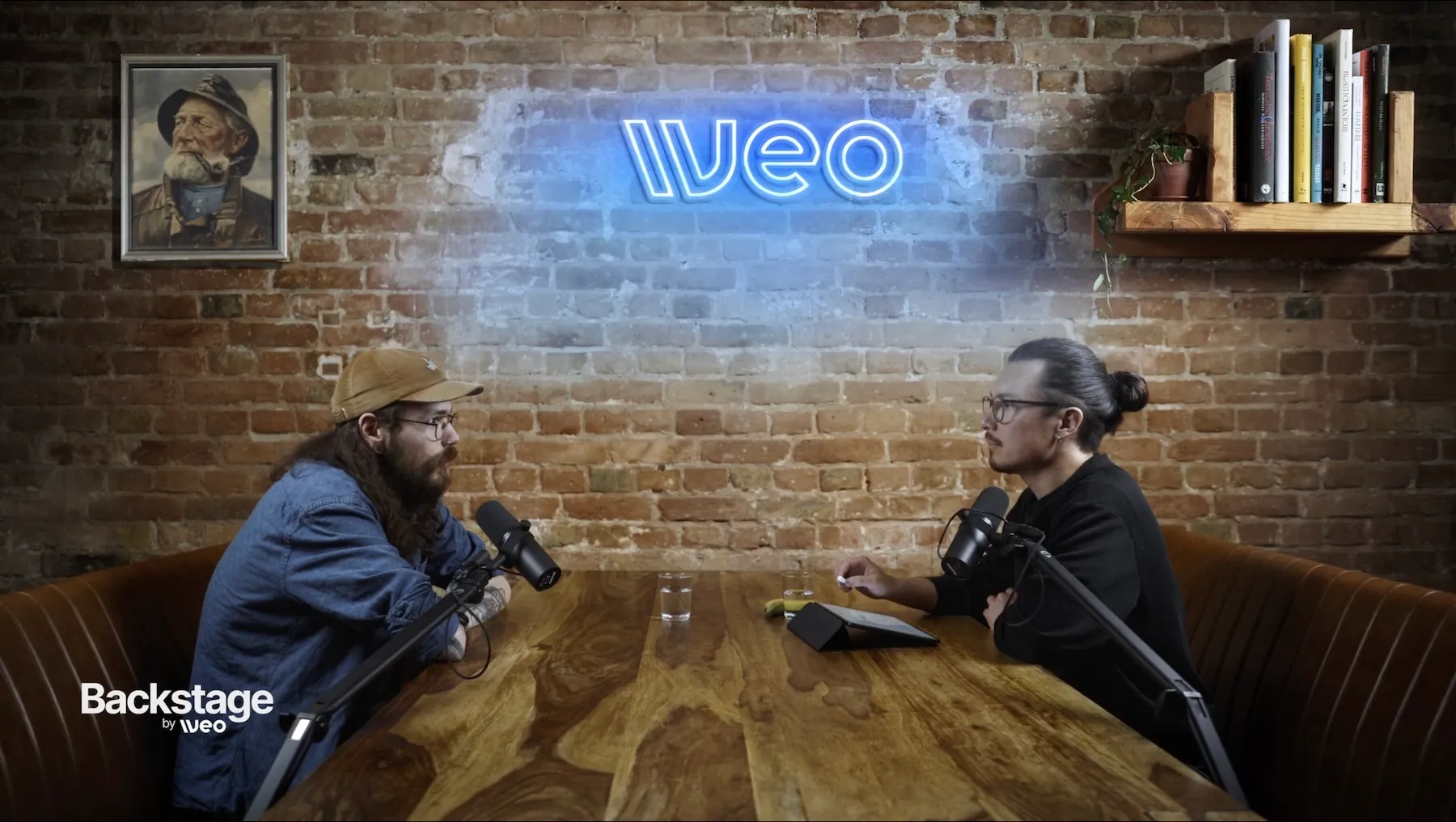
Vision Mixer at COP: How Alex Delivers the Right Shot at the Right Time with iveo
Vision mixer Alexander Kurreck worked with director Christoph at the COP. In Part 2 of our Backstage series, he explains why every outdated piece of information shows up instantly at the mixing desk, and how iveo changed his workflow.
·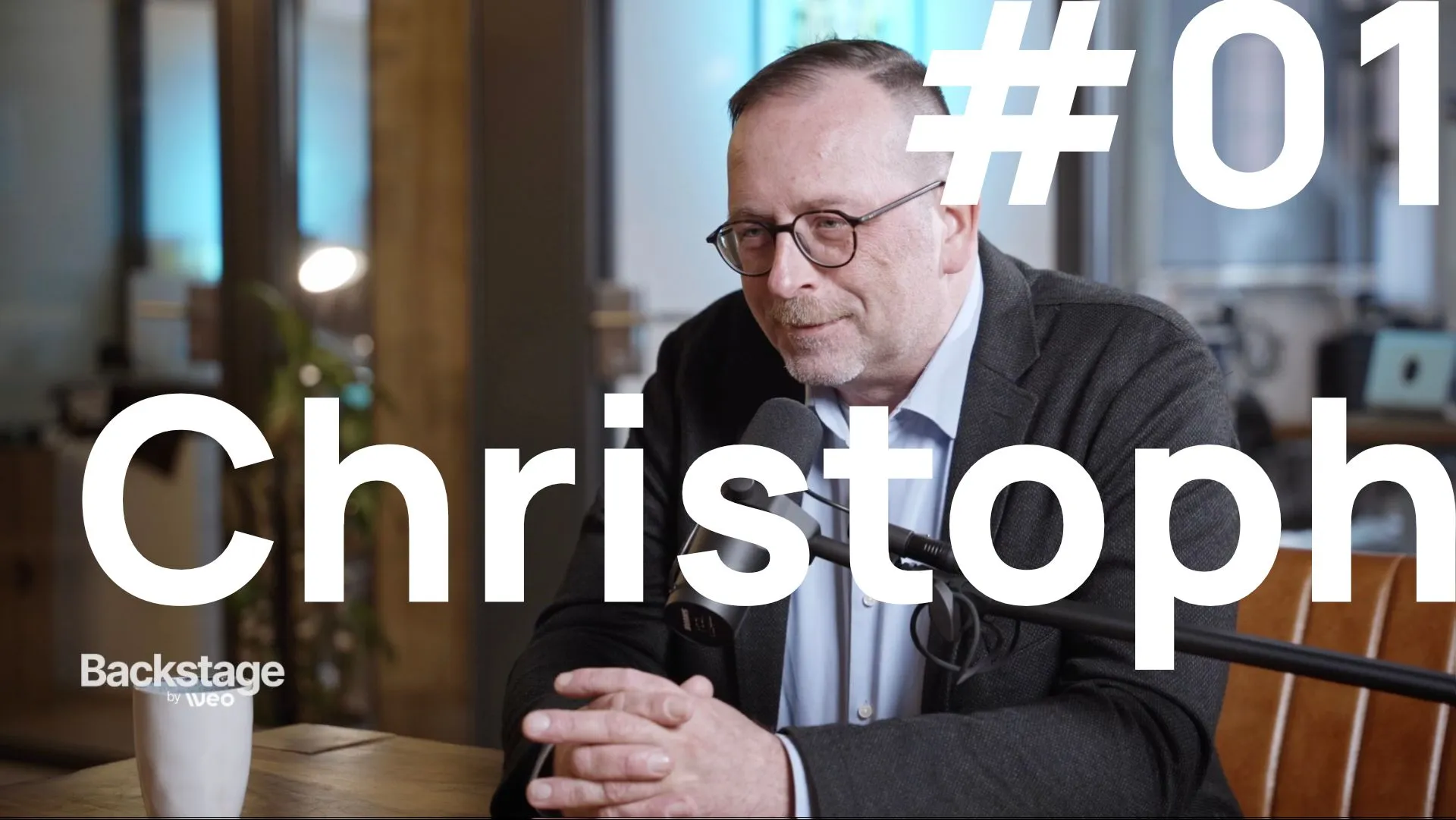
50 Events in Two Weeks: How Director Christoph Borstel Produced the COP with iveo
Christoph Borstel has been producing live events for over 30 years. At the COP, he delivered 50 events in two weeks using iveo. In the first episode of Backstage by iveo, he explains why he no longer needs to write stage-management scripts.
·Why Speaker Recognition Makes the Difference
Live events featuring different speakers present daily challenges for technicians: incorrect lower thirds, unfamiliar faces on stage, last-minute programme changes. This article highlights where the pain points are, and how automatic speaker recognition provides the solution.
 ·
Introducing Programme Submissions on iveo Prepare
With programme submissions in iveo Prepare, speakers and partners can submit content directly: structured, transparent and efficient.
·
iveo secures long-term framework agreement for the German Climate Pavilion
iveo secures a long-term framework agreement with the Federal Foreign Office as the official event platform for the German Climate Pavilion at UN Climate Change Conferences.
·Sustainability in Event Management: Practical Re-use
How agencies and event organisers can make their event series more sustainable and efficient through the central storage and reuse of data, instead of starting planning from scratch every time.
·Build an Event Website Without the Chaos
This will eliminate duplicate data entry, save time and team resources, and ensure a sustainable event website process.
·iveo: Platform for the German Pavilion at COP29
iveo served as the central event platform for the German Pavilion at COP29 in Baku, from programme coordination to the live website.
·Stronger Together in Event Management
How to coordinate your programme planning without Excel lists and planning chaos as a team.
·Last-Minute Speaker Change: How iveo Transforms Chaos into Calm
Navigate last-minute event changes with ease. iveo synchronises all information in real time, preventing chaos and ensuring a smooth, professional execution.
·Nothing to see here yet.