.svg)

Stages
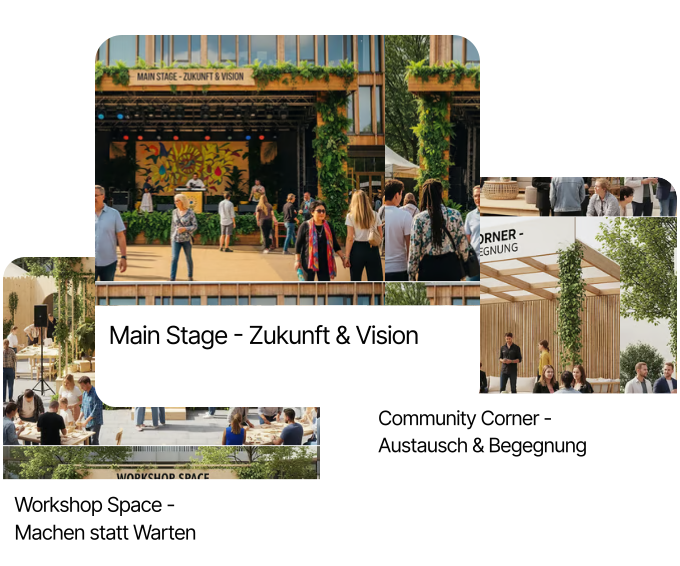

In the “Stages” section, you manage all relevant information about the venues of your event. You can add additional stages, edit existing stage names and images, and assign an individual technical scenario to each location. For example, you can determine how many microphones are available or which technology is used — from light to sound. This information is essential for scheduling and working with your technical team. Whether it's the main stage, secondary area or workshop room: With clear information on the equipment, you can ensure that everything is optimally prepared. This will make your event a complete success not only in terms of content but also technically.

.svg)


