



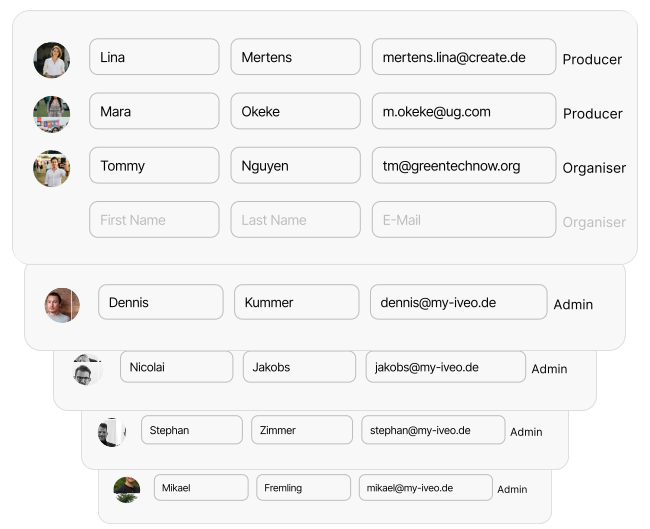
In the “Roles & User Management” area, you control access rights and determine who contributes to your event – clearly, securely and in a structured manner. You can invite additional users to help you plan and run your event.
There are various roles: Producer (full access), Organizer (access to selected programme items), Editor (editing specific content) and Speaker (limited access to their own programme items).
Through the “Announcements” area, you can send targeted messages to specific groups. The role-based system prevents unintentional changes and offers security benefits and quality assurance through clear responsibilities and transparent processes.