



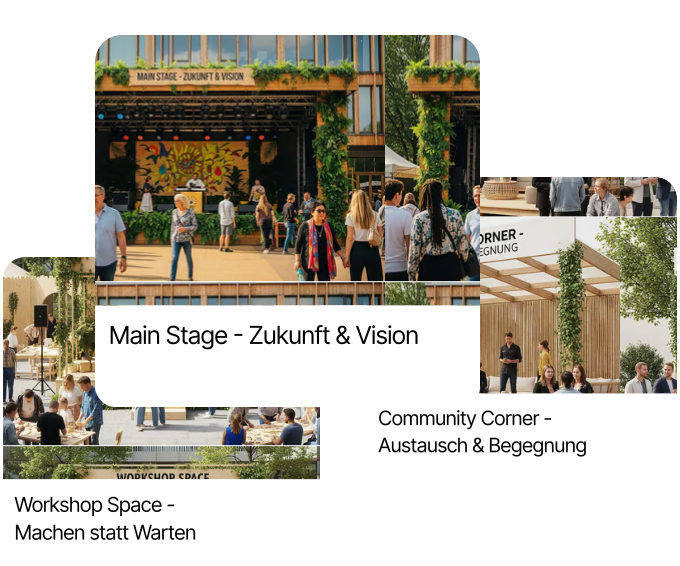
In the “Stages” area, you manage all performance venues for your event in one central place. Whether a main stage, workshop room, podium, or outdoor area – each location is created as a standalone stage and can be configured individually. You assign names, upload an image, and maintain all relevant details directly in the system.
Particularly important for collaboration with the technical team: for each stage you can store a technical scenario. This includes details such as the number of microphones, lighting equipment, speaker setup, or other technical features. This information is available to your entire production team directly in iveo.
Stages are closely linked to the planner: every programme item is assigned to a stage, so you always have a clear overview of what is happening when and where. This not only simplifies internal coordination but also ensures that the public event website displays correct stage information – automatically and without duplicate maintenance.
For multi-day events with parallel tracks, stage management is especially helpful: you can create as many stages as needed, assign individual content and technical specs to each, and clearly map even complex event structures.
On the event day itself, stage management becomes the central hub of live production: directors, technicians, and stage managers all work from the same up-to-date data. Last-minute changes are made once and are immediately visible to everyone involved.