


Coordinate event technology — stage setups, technical scenarios and live changes
Coordinate event technology — stage setups, technical scenarios, and live changes. Always have the current run sheet, on any device, in real time.
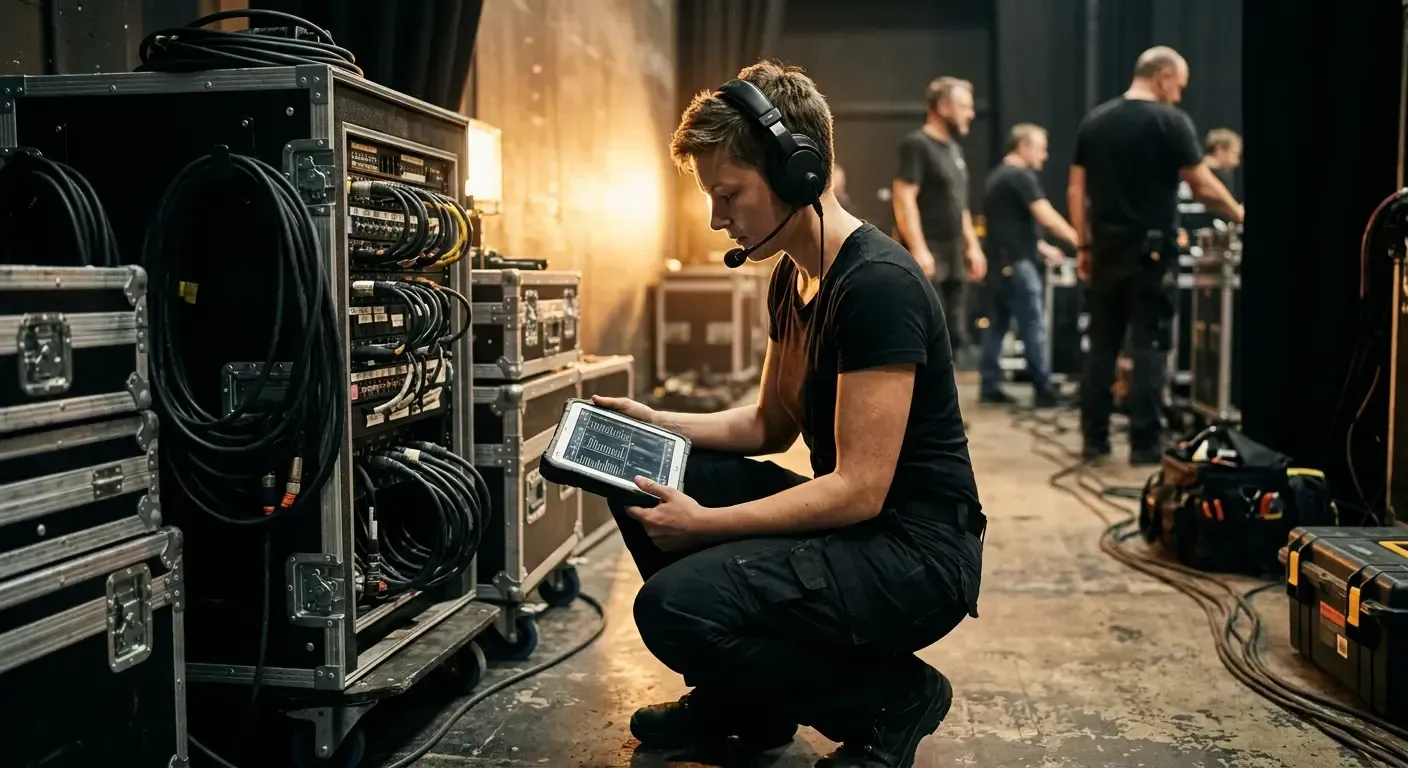
Is iveo right for you as a technician?
- You work in sound, lighting or streaming and want setup briefings to update live.
- You have been burned by lower-thirds based on an outdated spreadsheet – never again.
- You want to document stages, microphones, cameras and streaming setups in a structured way, not in PDF attachments.
- You drive on-screen graphics through OBS, vMix or similar and want them fed directly from the event programme.
- You work project-based and need event-specific documentation without maintaining your own system.
- You only do studio recording or media production unrelated to live events.
When new info arrives too late, the entire audience sees it.
You're at the video mixing desk, the event is live — and somewhere in the venue a change just happened that your production team doesn't know about yet. Speaker swap. Updated agenda. New presentation. New panel member. If the information doesn't reach you before the moment arrives, you have a problem. And the problem is visible on screen — live, in front of the audience. Because what happens live can't be undone.
iveo gives you as a technician the same up-to-date run sheet as the director — in real time, on any device, without downloads.
Why Technicians Work with iveo
Always Up to Date
The script in iveo is not a file – it is a page. Whatever the director changes, you see it immediately. No downloading, no syncing, no guessing. When iveo says “live”, you can count on it.
Less Coordination, More Focus
Instead of repetitive pre-event briefings, a quick glance at iveo is all it takes. All technicians and directors see the same information at the same time – in real time. Radio communication is reduced to what really matters.
Graphics without Post-Processing
Lower thirds are generated automatically from the iveo database as soon as a person is clicked. HTML5 graphics update themselves when a program item goes live – no calls to the graphics colleague required.
React Quickly to Changes
Speaker drops out? Running order swapped? In iveo, replacement people from the database are deployed within seconds – with instantly updated lower thirds and further programme layouts. You’re informed before mistakes happen on stage.
What Makes iveo Special for Technicians
iveo brings benefits you'll feel immediately in the control room — less chaos, more control, better collaboration.

Seamlessly Compatible with Your Media Technology
Whether TriCaster, vMix or another video system – iveo graphics can be embedded directly as an HTML5 browser source. Lower thirds and daily programmes update in real time, without reloads.

Scripts at the Push of a Button
Your script is generated automatically from programme planning – as PDF or Excel. When the programme changes, the script updates itself. No more Rundown_final_v12_FINAL.xlsx.

Moderation View for Live Direction
Countdown, agenda and backstage information synchronised live. Moderators and directors see in real time what’s coming next – without radio calls or printed rundowns.
Your Tools as Technicians
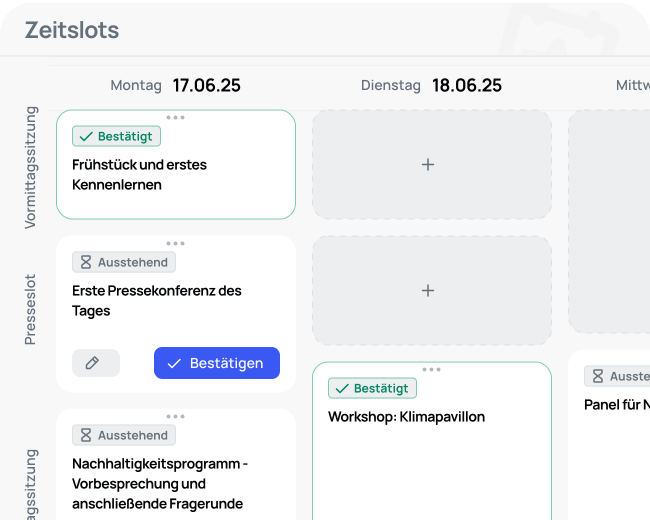
Time Slots
Plan your event programme with drag-and-drop scheduling, parallel sessions, and automatic conflict detection
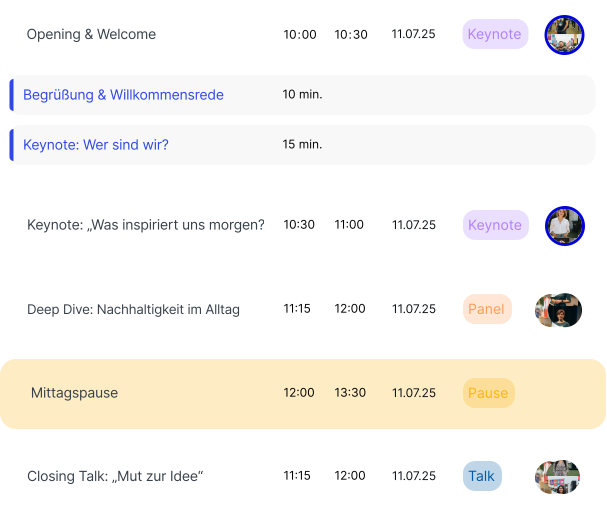
Planner
Your central planning hub for the entire event from programme structure to run sheets and team assignments
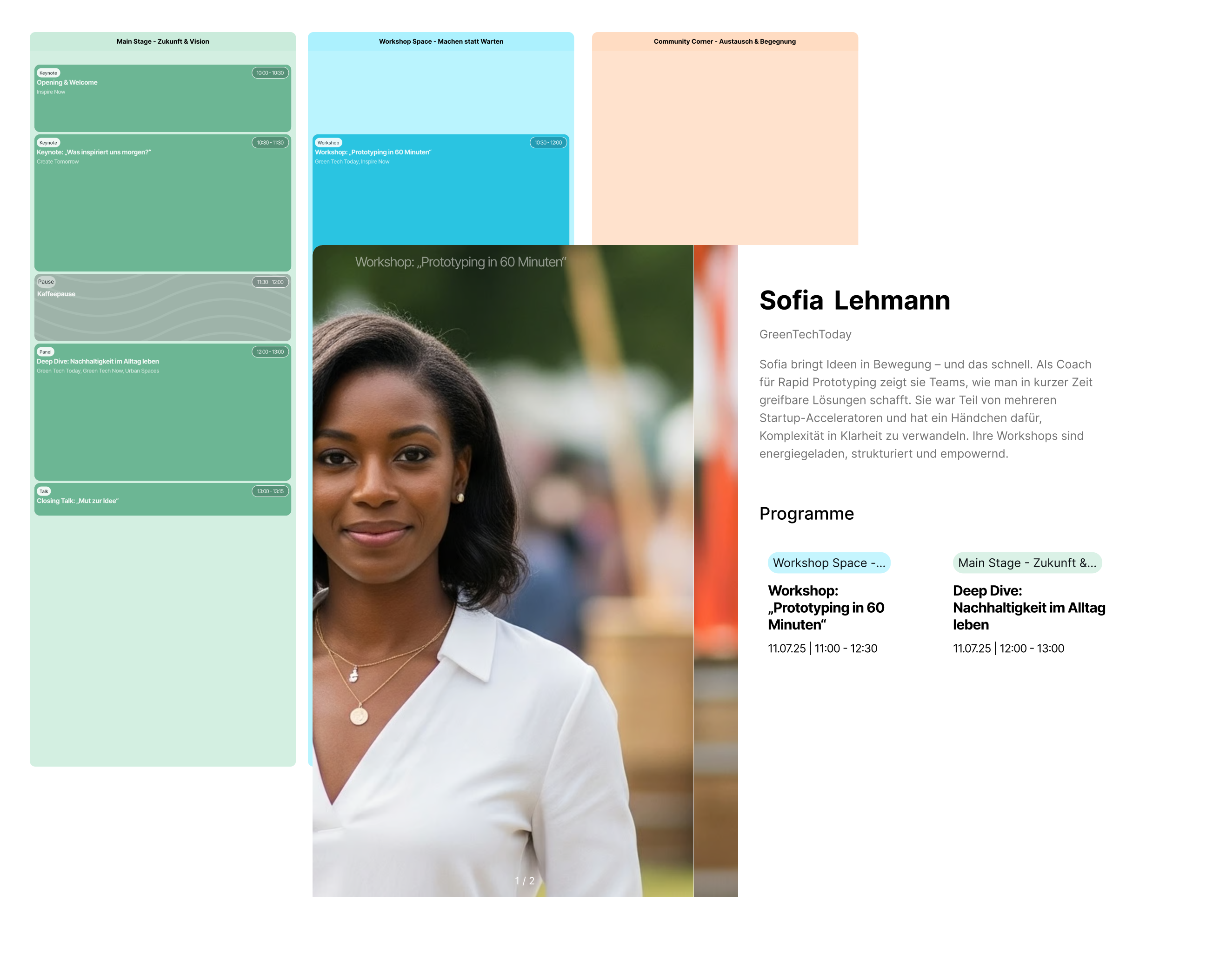
Event Website
Generate a professional event website directly from your programme data always up to date, no extra maintenance
More Solutions for Events
Ready for Stress-Free Productions?
Join the v2 Beta. Experience how a shared run sheet transforms the collaboration between directors and technicians.
Frequently Asked Questions
Have more questions or want to get to know iveo? Contact us via our contact form or start with the free trial.
What is iveo and how does it support me in event planning?
iveo is a modular platform that brings together event management and event production in a single tool for the first time. From programme planning to stage direction to publishing your event information, iveo supports you in every phase of your event.
What types of events can I organise with iveo?
With iveo you can realise any type of event – whether conferences, festivals, hybrid events, digital formats, or classic on-site events.
How does iveo differ from other event management tools?
iveo combines event planning and event production in one seamless solution. Unlike pure planning tools, iveo also offers features for stage direction, screen graphics, speaker views, and live communication – all synchronised and in real time.
Is iveo suitable for digital, hybrid, and on-site events?
Yes, iveo was designed from the ground up for all formats. You can integrate digital tools, control content live, and shape your event flexibly – online, hybrid, or in person.