


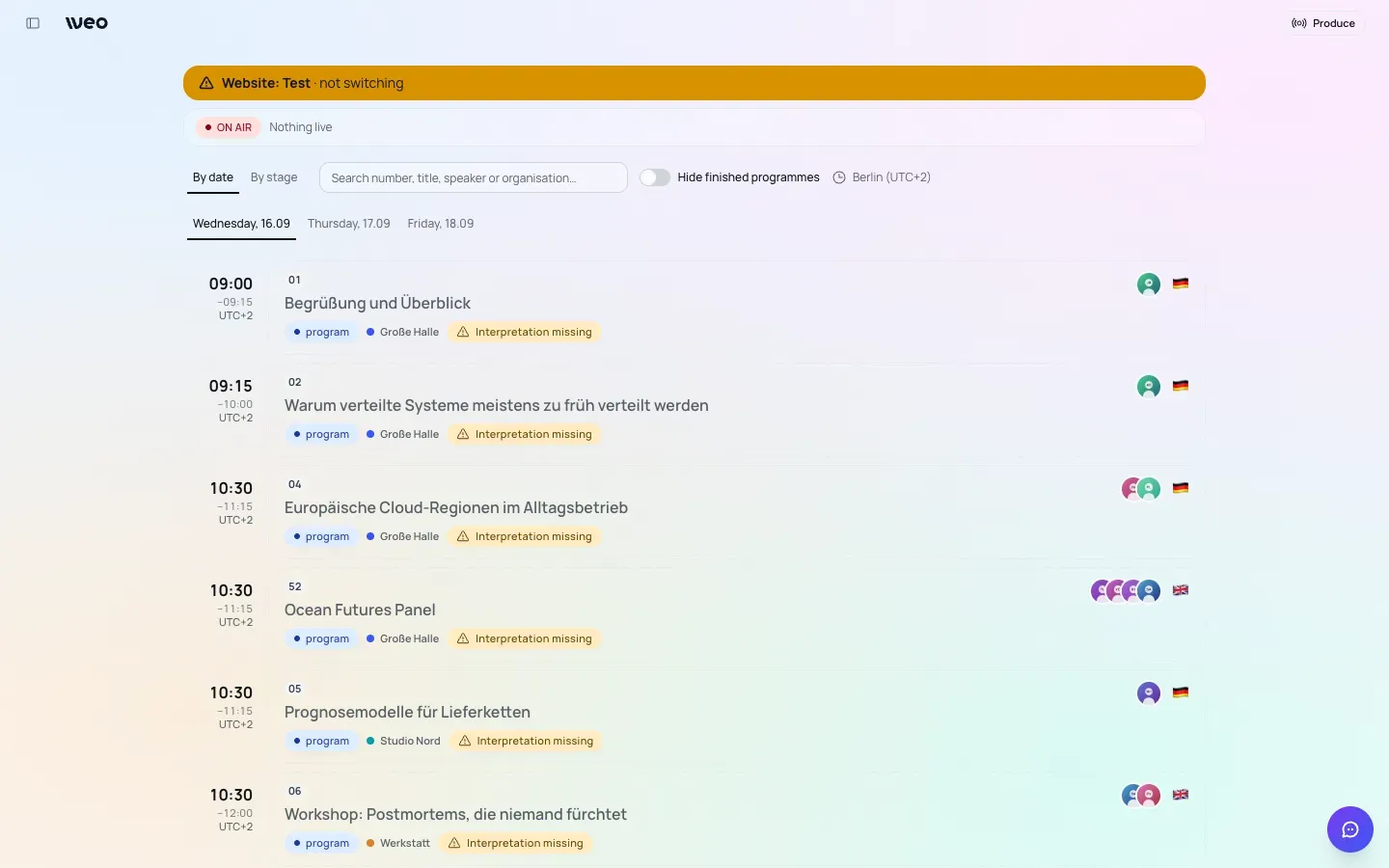
For show day, iveo has produce mode, a separate area for the director, the technical crew and the moderators. It works with the same data as planning but has its own interface. Nobody retypes names into a graphics tool, because they are already there.
Live overview and director view
In the live overview you choose a stage, see the current programme item and a preview of the next one, and take the stage live. For each programme item the speakers are ready in their order, with photo, role and the speaking time planned on the programme item, plus the agenda and your team’s internal notes. If something in the programme changes at short notice, the change is there immediately, not in a printed running order from yesterday.
The Director view shows the whole day as a timeline across all stages. A live header says what is running on which stage, and a now line moves along with it.
Take live, stream, play out
When you take a stage live, the public event website and every running full-screen graphic follow without reloading. You start and end the YouTube livestream right from Produce, per language. You only ever turn on sound for one tile, so you check each interpretation track on its own. For projectors, foyer screens and OBS there are full-screen graphics and lower thirds, which also come from the programme.