


For control room, technical crew and moderators
Producing on show day
When the event is running: take stages live, follow the running order and drive graphics for projectors, foyer screens and your stream — from the same data you planned with.
On show day the job changes: nothing is being planned any more, things are being run. iveo has a dedicated mode for this — the same data, a different surface. Nobody retypes names into a graphics tool, because the names are already there.
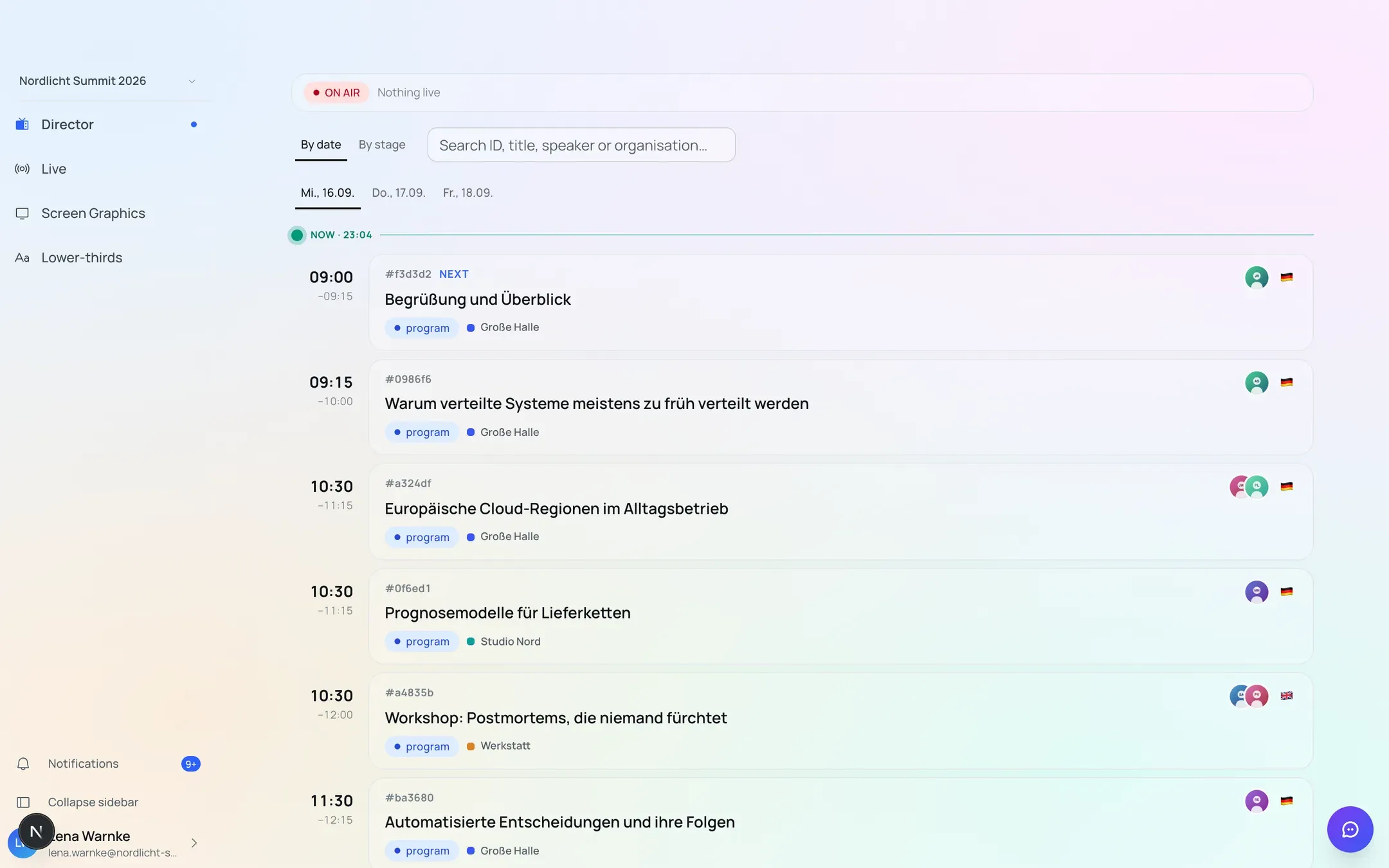
Sample data from a demo event.
Produce mode
Produce mode is a separate area you switch into while the event is running. It does not show the planning tool but what matters now: what is on, what comes next, who is on which stage and when.
Content there is read-only. That is deliberate: while the show is running, nobody should accidentally rebuild a programme. The one action that changes anything is taking a stage live.
Taking a stage live
A switch sets a stage to “live”. The effect carries straight through — the public event website and every running full-screen graphic follow within a fraction of a second, without anyone reloading anything.
For guests that means the website shows what is genuinely happening at that moment, not what was planned three weeks earlier.
The control-room view
The control room sees the running order as a live list: the sequence of speakers with photo, role and allotted speaking time, the agenda points of the current session, and the internal notes your team left during planning.
All of it comes from the programme you maintained anyway. If something changes at short notice, the change is in the control-room view immediately — not in a printout from yesterday.
Graphics for stage, foyer and stream
Two outputs can be put full-screen onto a projector, a foyer screen or into streaming software such as OBS:
- Programme timeline — what is running today, live.
- Lower thirds — name overlays for whoever is speaking.
Both are simply web addresses. You set them up once and leave them running; you drive the content from iveo, not from the device.
Who works here
Produce mode is reserved for the roles that genuinely run the show: Producer, Director, Operator and Moderator. Organisers and Editors deliberately have no access — they plan, they do not run a show.
Who gets which role is covered in Roles and permissions.
Last updated: 9 September 2026